Partnered Content
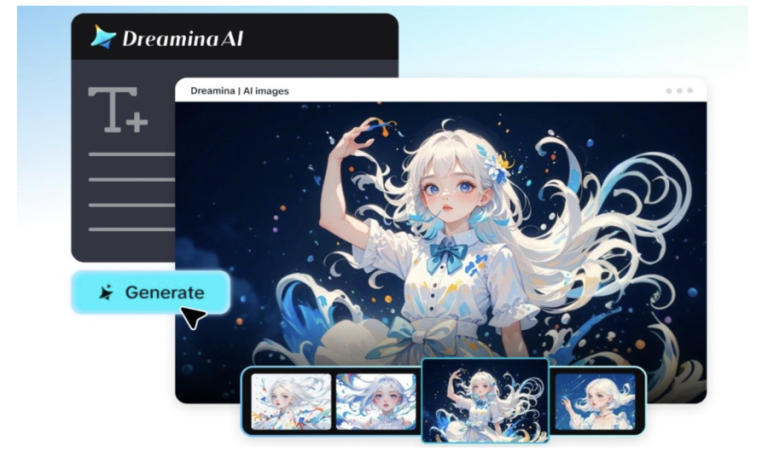
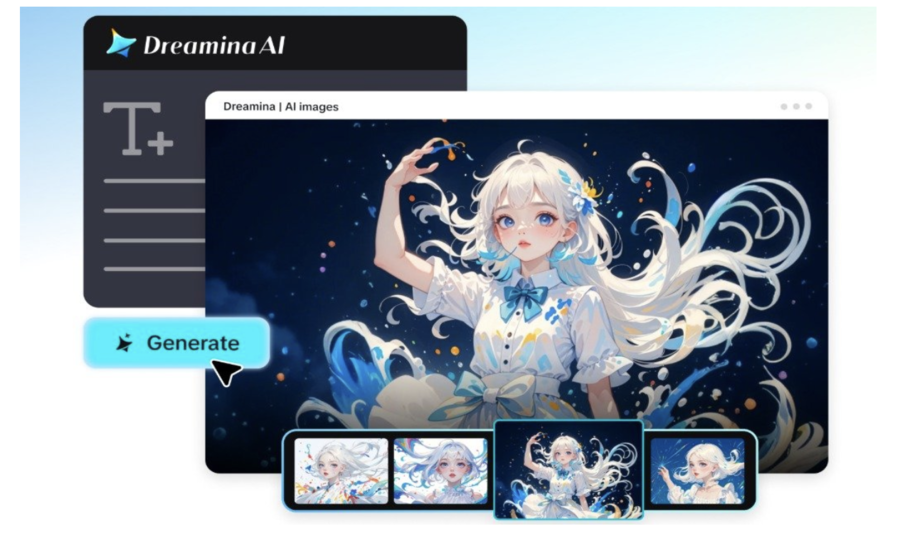
The sea is home to incredible scenes of contrast, from sunlit coral gardens to mysterious deep-sea environments. The interplay of fading light, floating debris, and moving ocean life offers intriguing possibilities for film narratives. Dreamina AI is able to convert a written description into a moving scene, all without the need for an underwater camera or special filming equipment. Its video generation capabilities enable creators to delve into vibrant reefs, atmospheric ocean scenes, and creative underwater journeys. Specific directions, restricted movement, and careful editing help these visual ideas come closer to the desired look.
What Makes Underwater Worlds and Glowing Reefs Compelling Video Subjects?
Underwater conditions create unique visual experiences, with depth, texture, and color all playing their part, as well as movement. Shallow tropical reefs are often characterized by turquoise water, visible sunlight, colorful fish, and complex corals. There is less light, a darker background, and greater contrast between the lighted subject and the surrounding water in deeper environments. Glowing reefs are of special interest, as the terms coral colour, coral fluorescence and coral bioluminescence refer to different phenomena. Organisms that absorb light and re-emit it at a different wavelength are said to be fluorescent.
In contrast, those that produce light by biological chemical reactions are said to be bioluminescent. Not all corals emit light. Localised cyan highlighting or fluorescent colours under appropriate illumination are more realistic imagery.
Design Better Underwater Prompts for Dreamina AI Text to Video
Strong prompts are those that involve both a location, lighting, camera movement, marine subject, and visual atmosphere all in one direction. Specific descriptions are more valuable than vague requests, as Dreamina AI’s tools can make videos from text by turning these written details into animated underwater concepts. First, pick a location, like a shallow tropical reef, twilight reef slope, kelp forest, or imaginary deep-sea cavern. Use water clarity, depth, coral textures, and suspended particles in order to create environmental character. Then, detail a subdued color scheme with turquoise sunlight, cobalt shadows, cyan accents, and maybe the occasional violet highlights. Move the camera through slow forward tracking, slow descents, or deliberate close-ups. Lastly, explain spatial relationships, like the little fish swimming between foreground coral and the far-off reef walls. Make sure that you have one clear subject and one camera move.
How to create underwater reef videos with Dreamina AI text-to-video maker
Step 1: Access Dreamina AI and describe your reef scene
- Sign up or log in to Dreamina first to start creating ocean videos from text.
- Go to the “Create” tab from the left menu and select the “AI video” option.
- Next, enter a detailed text prompt on how your reef video should look and feel. Add details about video elements, sound, background, theme, and concept, like glowing corals and whales.
Step 2: Pick a model, tune the ocean frame, and generate
- Next, choose a model from the options present at the bottom of the dialogue box.
- You can choose Dreamina Seedance 2.5, Dreamina Seedance 2.0, or Dreamina Seedance 2.0 Fast models. Dreamina Seedance 2.0 Mini, Dreamina Seedance 1.0, and similar options also suit reef scenes well.
- Click “Omni reference” to guide the AI with multiple coral reference images for accurate results.
- Set the custom aspect ratio and resolution from the “Aspect ratio” and “Resolution” tabs here.
- Finally, click the “Generate” tab and watch the AI begin creating your glowing reef video.
Step 3: Refine your reef video and export
- If you dislike the results, use “Edit prompt” or “Regenerate” to refine them further.
- You can also edit the generated reef video using the “Edit video” option for color tweaks.
- Moreover, you can use “Edit segment” to edit only one part of the reef video.
- Use “Extend video” to lengthen your reef journey and show more of the deep sea. Apply “Creative upscale” to improve your video quality and sharpen every tiny glowing coral detail.
- Dreamina gives you complete freedom to edit your underwater video exactly the way you like.
- Finally, click the “Download” tab present in the top right corner of the Dreamina interface. This saves the final reef video file on your local device for easy sharing online.
Five Underwater Visual Concepts to Explore With Text-to-Video AI
- Sunlit Coral Gardens: Make a slow camera move over branching corals and brightly coloured reef fish. Focus on natural light, transparency of water, and depth of the water.
- Twilight Reef Glow: Combine a deep blue background and cyan/ violet glow in specific areas. Don’t make the luminous effects blanket all the organisms.
- Deep-Sea Discovery: Uncover hidden shapes, suspended debris and far away ocean life in the near-dark. Slow camera movement creates suspense without too much visual clutter.
- Diving Macro Passage: Pay attention to the coral textures, the smallest of the crustaceans, and the little reef structures. Low depth of field sets off foreground detail against background subjects.
- Fantasy Ocean Sanctuary: Mix fantasy rock formations, suspended light particles, and a surreal reef design. Explain scientifically impossible features as ‘deliberate fantasy’.
Shape Cinematic Movement, Sound, and Visual Continuity
When things like coral, fish in the foreground, and reef walls in the background are in separate layers, it creates a sense of depth. Dreamina AI prompts can explain these relationships as well as camera direction and rhythm of the scene. Ambient sounds can be low-level bubbles, soft underwater textures, and limited music. Look at the audio produced separately when the rhythm or atmosphere of the audio does not match the visuals. If it’s more than one clip, use the same water colours, coral formations, marine subjects, and camera directions. Continuity can be indicated by using reference images, but generated scenes need to be checked. Think about the framing of the plan before generation; for short-form content, vertical composition; for cinematic presentations, widescreen composition. Use higher resolutions if available and appropriate for the final destination.
Avoid Common Mistakes When Generating Underwater Videos
Too many species, too many speed changes, too many lighting effects, and a few camera moves make for a weak visual coherence. Set the main topic and main action first and then add details. When creating educational materials about the ocean, it is also important to get it right scientifically. Investigate species traits, species’ natural habitats, and biological light information. Distinguish fictional settings from marine science when using elements that deviate from the science. Lastly, don’t expect to get everything right in one generation. Make a first draft, find which weak points you need to work on, modify the prompt, and check each new version. This iterative process allows you to correct the final sequence to the desired visual direction.
Conclusion
With prompt-based generation, reference guidance, and flexible editing tools, Dreamina AI streamlines underwater visual storytelling. Spatial relationships, illumination, camera movement, and carefully described environments all contribute to the creation of immersive ocean sequences. Analysing motion, sound, and scientific information further enhances the end product. From creating realistic coral gardens to imaginative glowing sanctuaries, creators can craft unique marine visuals without having to dive in the water. Be aware that generated scenes are only interpretations, and not necessarily scientific representations, particularly where accuracy is a critical factor.
(This is third-party “Partnered Content.” All such content is for informational purposes only, and we do not claim ownership or responsibility for it)