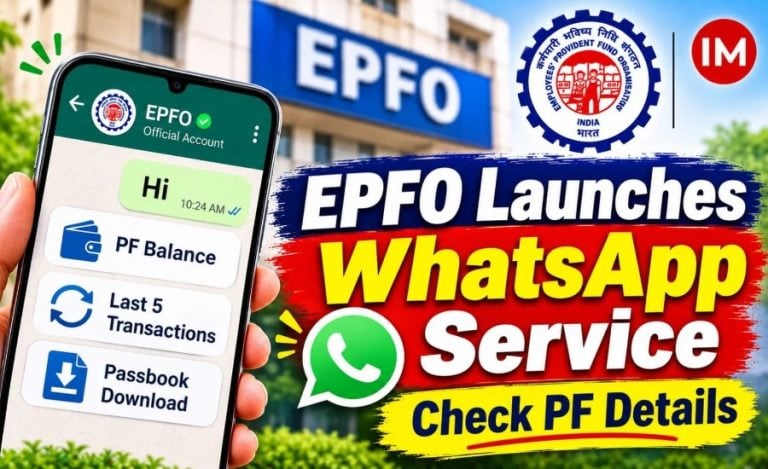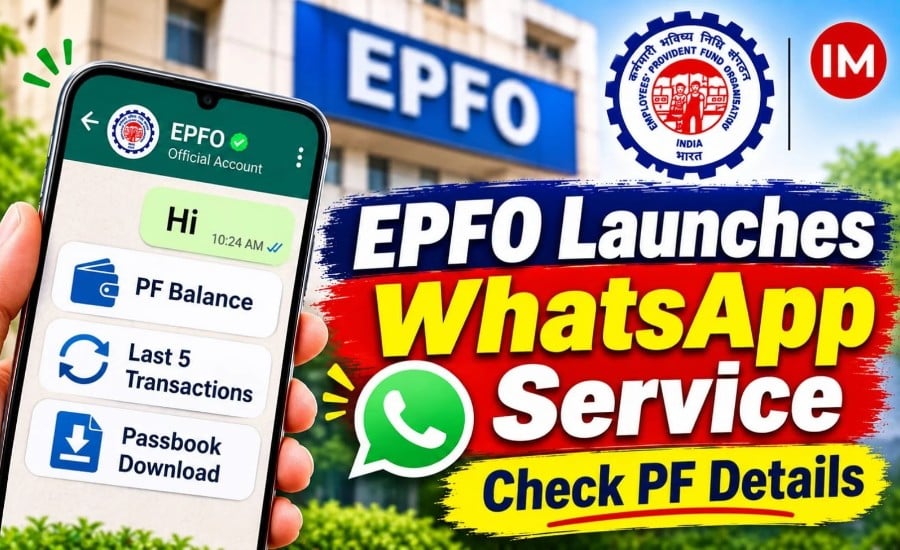
New Delhi: The Employees’ Provident Fund Organisation (EPFO) has launched a WhatsApp-based service that allows members to access important details of their Employees’ Provident Fund (EPF) accounts through a simple chat.
Union Minister for Labour and Employment, Mansukh Mandaviya, launched the facility on Sunday. Through the new service, EPFO members can check their PF balance, view their last five transactions and download their account passbook without having to navigate the organisation’s online portal.
According to an announcement shared by EPFO on its official social media account, members can access the service by sending a WhatsApp message to +91 8796441800.
What Services Can EPFO Members Access on WhatsApp?
The new facility provides members with access to three key EPF account services, along with a language-selection option.
Read Also: Canara Bank Partners with EPFO to Offer Premium Payroll Package to Employees Nationwide
The available services include:
- PF balance: Check the balance available in the EPF account.
- Last five transactions: View details of the five most recent account transactions.
- Passbook download: Download the EPF account passbook through WhatsApp.
- Change language: Select a preferred language for using the service.
The facility is intended to provide members with a direct way to access these account-related services through WhatsApp.
How to Check PF Balance Through WhatsApp
EPFO members can connect with the service using the official WhatsApp number. The process involves the following steps:
- Save 8796441800 in the phone’s contacts.
- Open WhatsApp and start a chat with the saved number.
- Send the message ‘Hi’.
- Complete the verification process as prompted by the service.
- Select the required service from the available options.
- Follow the instructions to access the requested account information.
Members should use the mobile number linked to their Universal Account Number (UAN) for the verification process.
How to Access EPFO WhatsApp Service Through QR Code
EPFO has also shared a QR code through its official social media account to help members connect directly with the WhatsApp service.
To use this option:
- Scan the QR code shared by EPFO.
- Open the WhatsApp chat that appears.
- Send ‘Hi’ to initiate the conversation.
- Complete the verification process.
- Select the preferred language.
- Choose from the available service options displayed in the chat.
Once connected, members can select PF balance, last five transactions, passbook download or change language, depending on their requirements.
EPFO Expands Digital Access to Provident Fund Services
The WhatsApp facility adds another digital channel through which EPFO members can access their provident fund account information.
The organisation has shared the official WhatsApp number and QR code through its social media communication, enabling members to initiate the process directly from their phones.
With the new facility, members can access basic account information and passbook services through a messaging platform, using the verification process prescribed by EPFO.